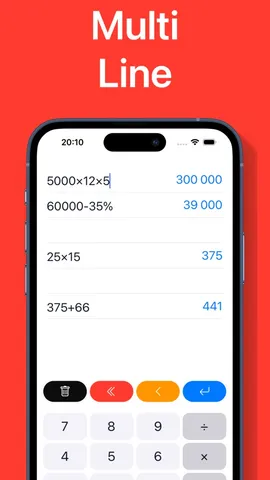
Calc is a calculator that keeps your work on screen. Instead of one display that clears after every answer, you get a page of lines, each with its own result. I wrote it for everyday math that comes in several steps: splitting a bill, checking a receipt, planning a budget or running through homework.
Why multiline helps
A standard calculator forgets the previous step as soon as you start the next one. If you mistype a number halfway through, you have to start over. In Calc every line stays visible, so you can scroll up, spot the wrong figure and see how each result was reached. It feels closer to working on a scrap of paper than to pressing buttons.
No equals button
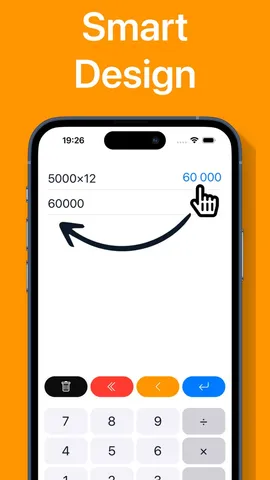
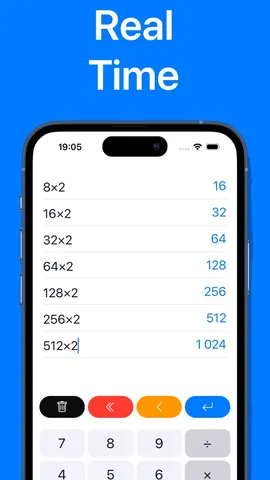
Results appear while you type. Enter 120 * 15% and the answer is already there. That makes quick checks much faster, and it means you never lose a result by forgetting to press a key. When the next step needs an earlier answer, tap it and Calc drops it into your current line.
Everyday uses
- Splitting a restaurant bill and adding a tip
- Totaling a grocery receipt or a shopping list
- Working out a discount or sales tax
- Monthly budgets and expense reports
- Checking homework answers step by step
The interface is deliberately plain: a keypad, your lines and their results, with nothing else competing for attention.
Calc is available on iPhone and Android. More details are at dailycalc.halpindev.com.


