Emoji Translate works in two directions. It turns a regular sentence into emoji, and it explains what a row of emoji is supposed to say. It is for people who like writing in emoji, and for people who get a message full of them and have no idea what it means.
Write in emoji
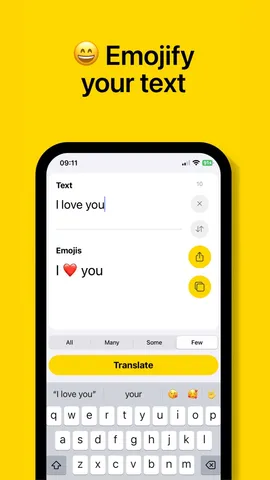
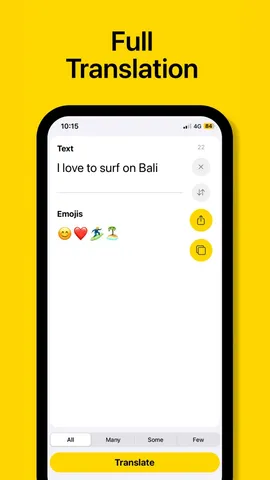
Pick Text to Emoji, type something like a birthday wish or a plan for the weekend, and the app returns an emoji version. It works well for captions, chat replies and small puzzles for friends. The app also suggests emoji that fit the context of your message, so the result reads as a message and not a random pile of icons.
Decode what you received
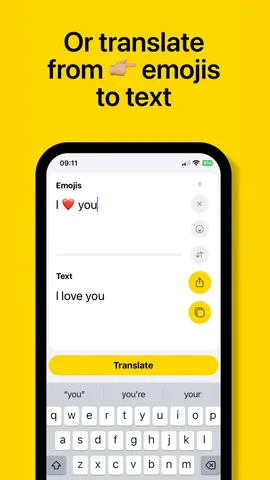
Emoji combinations change meaning depending on order and context, and the meaning is not always obvious. Paste the message into Emoji to Text and get a plain-language reading. The built-in dictionary covers popular emoji and common combinations if you want to look one up on its own.
Handy extras
- Save translations you reuse to a favorites list
- Share results directly to messengers and social apps
- Translate several messages in one go
- Use it with more than one language
It is a small, single-purpose app. Choose a mode, enter your text, and copy or share the result.
Emoji Translate is available on iPhone and Android. More details are at emojitranslate.halpindev.com.


