
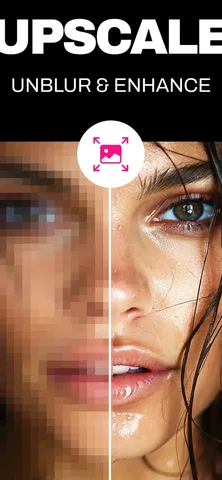
Upscale ++ takes a small or blurry image and turns it into a larger, sharper one. I made it for the common situation where the only copy of a picture is a low-resolution thumbnail, an old phone photo or an image saved from a chat that crushed its quality.
What AI upscaling does differently
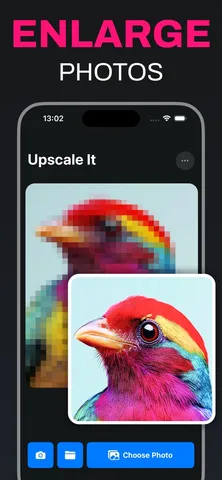
Enlarging a photo in a normal editor just spreads the same pixels over a bigger area, so the result looks soft. Upscale ++ uses an AI super-resolution model that predicts the missing detail as it enlarges the picture 4x. Edges get crisper, textures come back and pixel blocks disappear. You don’t have to adjust sliders or pick filters. The process runs automatically after you choose an image.
Modes for different pictures
Not every image needs the same treatment, so the app has a few options:
- Standard upscale for photos you want bigger without changes to the content
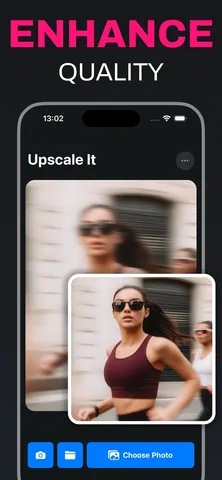
- Photo enhancement to improve overall clarity
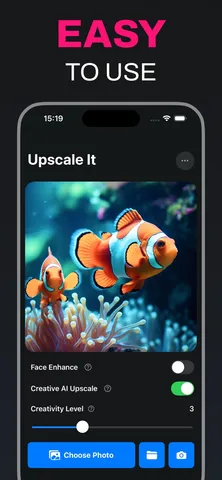
- Face enhancement for portraits where the face is soft or blurry
- Creative upscaler, which adds new fine detail and works well on art and anime
Where the bigger file helps
A 4x image is large enough to print a photo that started out as a small file, to set as a phone or desktop wallpaper, or to use in a design project without visible pixels. It’s also handy for reviving family pictures that were scanned at a low resolution years ago.
Upscale ++ is available on iPhone.


