
Translata is a voice translator for iPhone. You speak, it translates, and it says the result out loud in the other language. It’s meant for real conversations with a person standing in front of you, where typing into a text box is too slow.
How a conversation goes
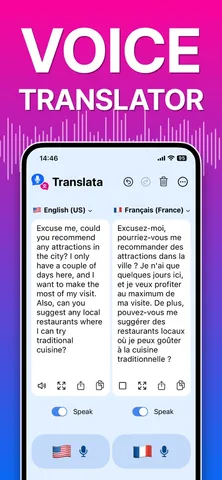
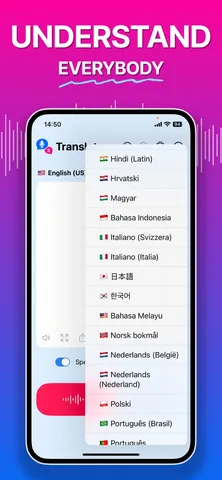
Choose the two languages and tap the button. Say what you need to say in your own language, and Translata reads the translation aloud. Then hand the phone over, or just let the other person answer, and their reply comes back in your language. Any translated text can be copied if you need to paste it into a message or a map search.
The app keeps listening while you’re talking instead of cutting you off at the first pause, which matters when a sentence has a few clauses. Before translating, it also tidies up what it heard: obvious slips, grammar and punctuation are corrected, so the output reads like a proper sentence.
Offline when you need it most
Abroad is exactly where mobile data tends to be expensive or patchy. Translata lets you download languages ahead of time. Once a language is on the phone, translation works with no connection at all.
Where it helps
- Travellers asking for directions, ordering in a restaurant or checking into a hotel
- Expats handling shops, landlords and appointments in a new country
- Learners who want to hear how a phrase is pronounced by a clear voice
The interface stays deliberately small. There’s a language picker, a button and the result, so your attention can stay on the person you’re talking to.
Translata is available for iPhone on the App Store.


