
Summ app icon

Summ

AI summaries for YouTube videos and text

Productivity · Since 2024 · ★ 4.5 (71 ratings)

Summ screenshot 1Summ screenshot 2Summ screenshot 3Summ screenshot 4

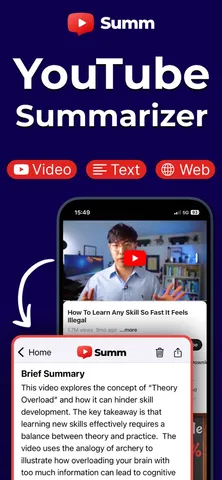
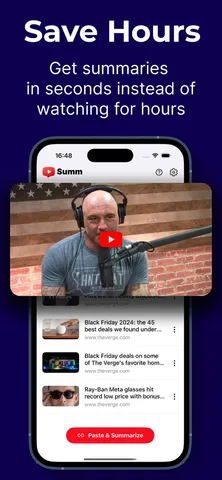
Summ gives you the written version of a YouTube video before you decide whether to watch it. Paste a link, and a few seconds later you have the main points in plain text. It is meant for students going through lectures, people learning from tutorials, and anyone with a “watch later” list that never gets shorter.

From a 40-minute video to a page of notes

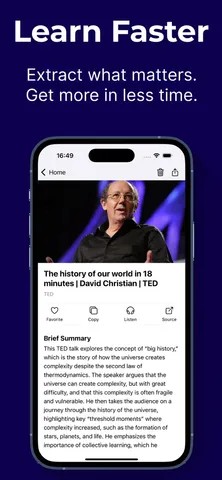
A lot of good material on YouTube is long: conference talks, podcasts, course recordings. Often you need two or three ideas from it. Summ pulls those out and lets you set how detailed the summary should be. If you need the exact wording, ask for a transcript instead and read or search the whole thing.

Not only video

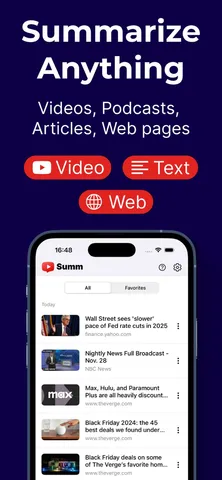
The same tool works on articles and web pages, and on any text you paste in. That makes it handy for long reports or news pieces you want to skim first. Summaries can be produced in several languages.

Keep what matters

Summaries you want to keep can be bookmarked and grouped into a favorites collection. They stay readable offline, which helps on a flight or in the subway. If you would rather listen, text-to-speech reads a summary aloud while you walk or drive. There is a dark mode for reading at night.

Summ is not affiliated with YouTube. It works with videos that are publicly available.

Summ is available on iPhone. More details are at summ.site.

Features

YouTube video summaries

Paste a link to a public YouTube video and get the main points as a short written summary, without scrubbing through the timeline.

Adjustable length

Choose a quick overview or a more detailed breakdown, depending on how much of the video you actually need.

Video to text

Get a transcript of the video when you want to quote it, search it or read the full content instead of a summary.

Articles and pasted text

Summarize a web page or any block of text the same way, in several languages.

Listen and save

Play a summary back with text-to-speech, bookmark it, sort favorites into a collection and open saved summaries offline.

FAQ

Is Summ free?

Summ is free to download on the App Store. Full access is offered through a subscription, which comes with a 3-day free trial.

How do I summarize a YouTube video?

Copy the video link from YouTube, paste it into Summ and choose the summary length. The app reads the video content and returns the key points as text.

Can Summ summarize articles and websites too?

Yes. You can paste a web page link or plain text, and Summ will summarize it the same way it does videos.

Can I read summaries without an internet connection?

Yes. Summaries you have saved stay available offline. Creating a new summary needs a connection.

Is Summ affiliated with YouTube?

No. Summ is an independent app that works with public YouTube videos.

More apps

EstudoLearn European languages as spoken
Productivity2026
RemindrADHD-friendly reminders you won't miss
Productivity2026
TranslataVoice translator
Productivity2025
VoiceTypeVoice notes and speech-to-text
Productivity2025

All 30 apps →