
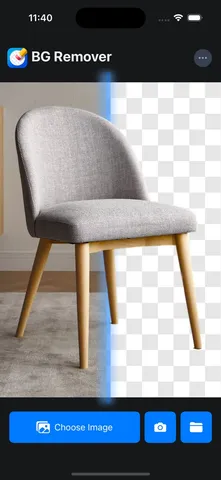
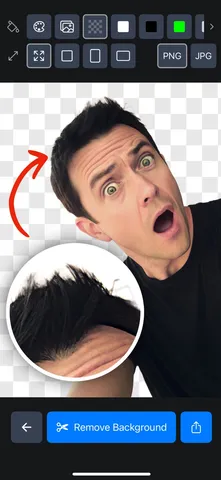

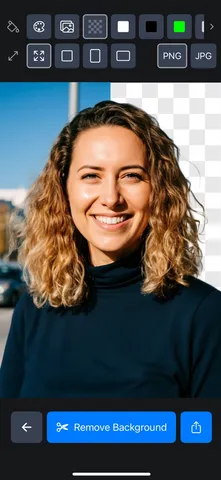
Background Remover takes a photo and gives you the subject without the background. It is aimed at people who need clean images often and don’t want to open a desktop editor each time: online sellers, small shops, social media managers and anyone who needs a quick headshot.
Product photos for marketplaces
Most marketplaces want items on a plain white background. With this app you shoot the product on your kitchen table, remove the background, set it to white and export a JPG. If you list many items, batch mode handles a group of photos at once. For your own website or a design file, export a transparent PNG instead.
When the AI gets it almost right
Automatic cutouts are good with people and objects that stand out from their surroundings. Tricky scenes, such as a white mug on a white wall, can leave a rough edge. The manual touch-up brush fixes that. Choose a brush size, paint back what was lost or erase what should go, and save.
Put something else behind it
Removing the background is often the first step. After that you can place the subject on:
- a solid color or a gradient
- one of the built-in background templates
- a photo from your own gallery
Blur and opacity controls help the new background sit behind the subject without drawing attention.
Background Remover is available on iPhone. More details are at removebg.halpindev.com.


