
ArtCraft app icon

ArtCraft

Text-to-image AI art generator

Photo & AI · Since 2025 · ★ 2.6 (5 ratings)

ArtCraft screenshot 1ArtCraft screenshot 2ArtCraft screenshot 3ArtCraft screenshot 4

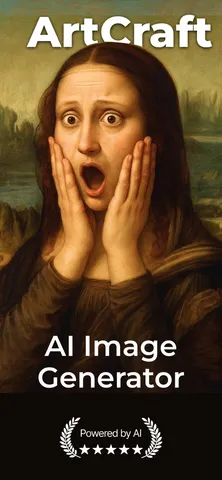
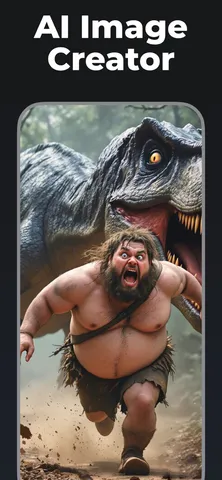
ArtCraft makes pictures from text. Type a short description, pick a style, and the app generates an image in a few seconds. It is for people who have an idea in their head and no time or skill to draw it: social media posters, hobbyists looking for a custom wallpaper, or anyone curious about what AI image generation can do.

Start with a prompt

The prompt is the description of the image you want. It can be as simple as two words, but more detail usually gives a better picture. Describe the subject, where it is, the lighting and the mood. If the first result isn’t right, change one detail and run it again.

Pick a look

Style matters as much as the prompt. ArtCraft includes a set of styles you can switch between:

There is also a no-style option that follows your prompt as written.

What people make with it

Common uses are profile pictures, phone backgrounds, illustrations for posts and visual references for a project. New styles get added in updates, so the list above keeps growing.

ArtCraft is available on iPhone.

Features

Text to image

Describe what you want to see in a few words, such as "astronaut cat" or "fantasy landscape", and get a finished picture.

Art styles

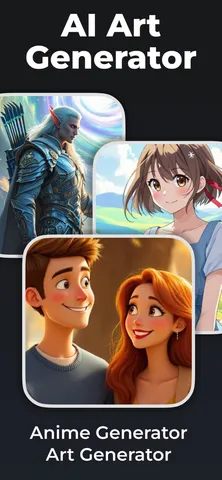
Choose anime, realistic, painting, synthwave, steampunk, 3D, abstract or cubist, or turn styles off and let the prompt decide.

High-resolution output

Images are detailed enough to use as wallpapers, avatars or social media posts.

No drawing skills needed

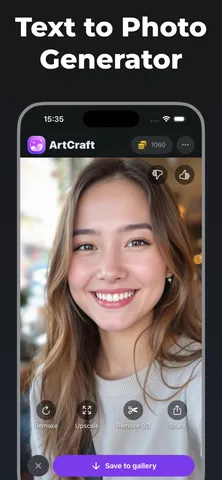
The interface is a prompt field and a style picker, so you can get a result on your first try.

FAQ

Is ArtCraft free?

ArtCraft is free to download on the App Store. Some features may require an in-app purchase.

How do I write a good prompt?

Name the subject first, then add details: setting, mood, colors, time of day. "Red fox in a snowy forest at dusk" gives the AI much more to work with than "fox".

What can I use the images for?

People use ArtCraft images for avatars, phone wallpapers, social media posts, mood boards and creative projects.

Does the style change the result a lot?

Yes. The same prompt in anime, realistic and steampunk styles produces three very different pictures, so try a few styles before you settle on one.

More apps

HeadShotsProfessional AI headshots in seconds
Photo & AI2025
TattooArtAI tattoo design generator
Photo & AI2025
LogusAI logo maker
Photo & AI2025
MemeGenAI meme maker
Photo & AI2025

All 30 apps →